

Lock down your Windows PC.
Ban access to harmful apps and websites with a reliable, multi-layered approach.
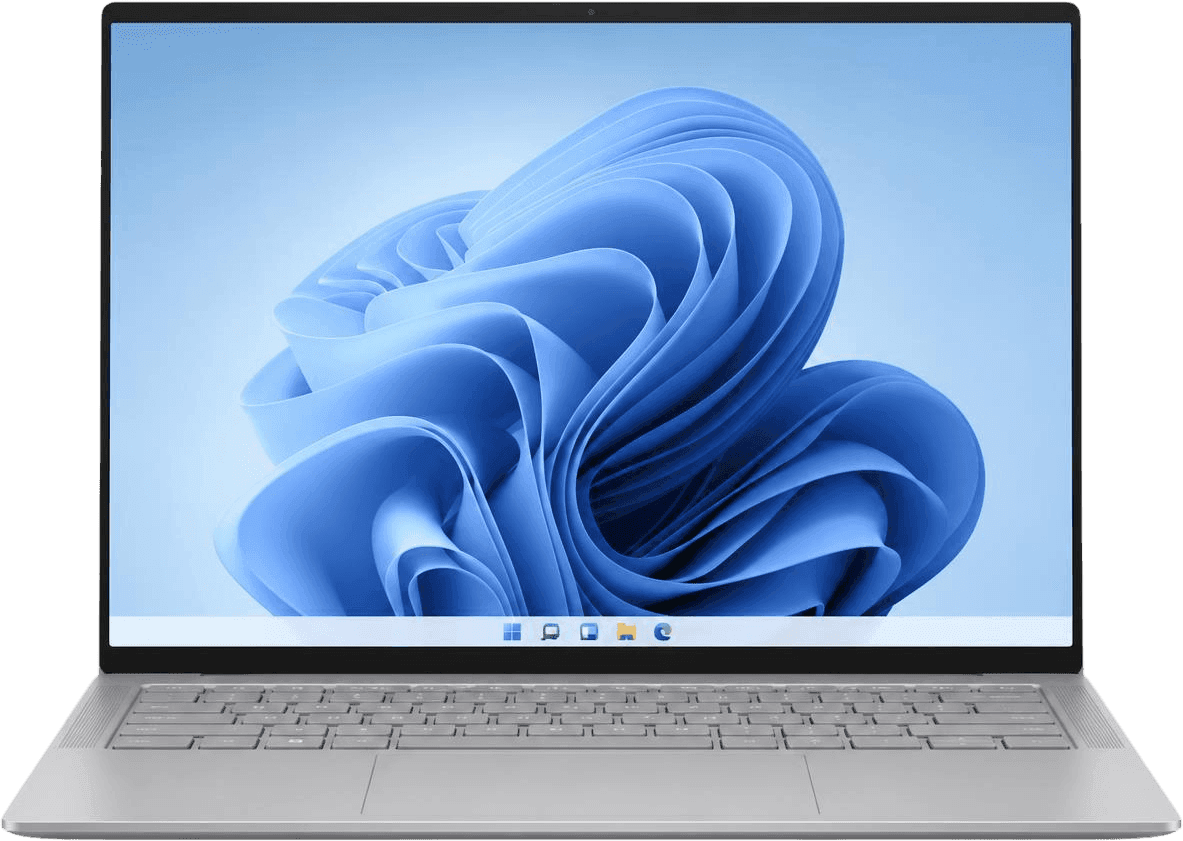
Connect to Traffic Rules.
Block millions of websites by category and keyword on any internet connection. Fine-tune access with recurring block schedules.
Monitor apps
and websites.
Traffic logs show which internet-dependent apps are in use and which websites are visited, across all your devices.
 youtube.comAllowed1 min ago
 draftkings.comBlocked2 min ago
 google.comSafeSearch3 min ago
 instagram.comBlocked4 min ago
 whatsapp.netAllowed5 min ago
 chatgpt.comBlocked7 min ago
 open.spotify.comAllowed8 min ago
Boost self-control
and accountability.
Safely use the Tech Lockdown dashboard without worrying about compromising your blocking system.








From our customers.
I've tried many blockers throughout the years, but none is good or robust enough. I needed something that protects all devices, cannot be bypassed/hacked easily, and without compromising on performance/speed. That last bit was important for me. Until I found Tech Lockdown which has been great and very useful so far for me!
My philosophy has changed drastically in the 4 years I've been subscribed to Tech Lockdown, I think people overestimate their ability to use will power to manage their use of technology, and underestimate the efforts of science and capitalism to keep them addicted. The hard part is just getting all the technology blocked, but you've made it possible.
I work remotely from home now and am on computers quite often. I think for people in our situations (or even if you are NOT in a situation like ours) these steps are 100% necessary!
I just want to say that I really appreciate all of the detail in your articles and suggestions, especially the principle of using a multi-layered approach. I know most software has workarounds on its own due to technical limitations, but a multilayered approach resolves quite a bit of that.
I've wanted content blocking on all our family's devices for a long time, but never found a service that worked on all devices, computers, phones and tablets. Tech Lockdown works on everything I have, Mac and PC ... Couldn't be happier!
The guides were really clear once I read them! This managed devices thing is amazing, wish I'd had it when I first got a smartphone.
Try any plan free.
Try it risk-free with a 7-day free trial.
Frequently asked questions.
How does a Windows PC connect to Traffic Rules?
Through a content filtering app that your dashboard walks you through installing. Its switch is locked, so it can't be turned off in the app, and your Traffic Rules change only from your Tech Lockdown dashboard, where profile locking can put a wait or someone else's PIN in front of loosening anything.
Windows has no Remote Supervision, so a PC can't be locked down as firmly as an iPhone or a Mac.
What do I need to set it up?
The PC, and a free account for the content filter. The dashboard walks you through each step.
Does it work with my iPhone?
Yes. Your PC and your iPhone share one dashboard, the same Traffic Rules and the same profile locking. The Solo plan covers one phone or tablet and one computer.
Start Banning Unwanted Content
from your Technology Life.
It's time to take back control of your technology